GTO Wizard Review
In this article, we will review the main features of GTO Wizard – the ultimate GTO software for poker players. It doesn’t matter what level you are at now – from micro to high stakes. In modern online poker, you have to at least have a basic understanding of GTO. But Wizard gives you way more than a basic understanding. It allows you to study GTO very deeply but at the same time quickly and efficiently. Let’s have a look at it.
What is GTO Wizard?
In short, GTO Wizard is a web-based poker application for studying GTO.
First of all, it has a library with more than 10 million presolved situations for preflop and postflop. All formats of Cash, heads-up SNGs, MTTs, and Spins games are supported. The second main feature of the software is the ability to practice GTO strategy. And third is Analysis, that is, loading your hand histories and exploring the reports on how correctly you played from the GTO perspective. We will look at each of these functions in more detail later in this article.
Creating an account and Login
You can get in the app in a couple of clicks. Use your Google, Facebook, or Apple account.
Make sure you open GTO Wizard website with https://gtowizard.com/p/nickkorolev link before you create an account.
This way you will get a 10% discount on your subscription purchase and Freebetrange PRO license for free.
More about this offer →
As soon as you enter the app, you will see a dashboard with all the main features, trainer and analyzer stats, and a news block with the latest articles and videos.
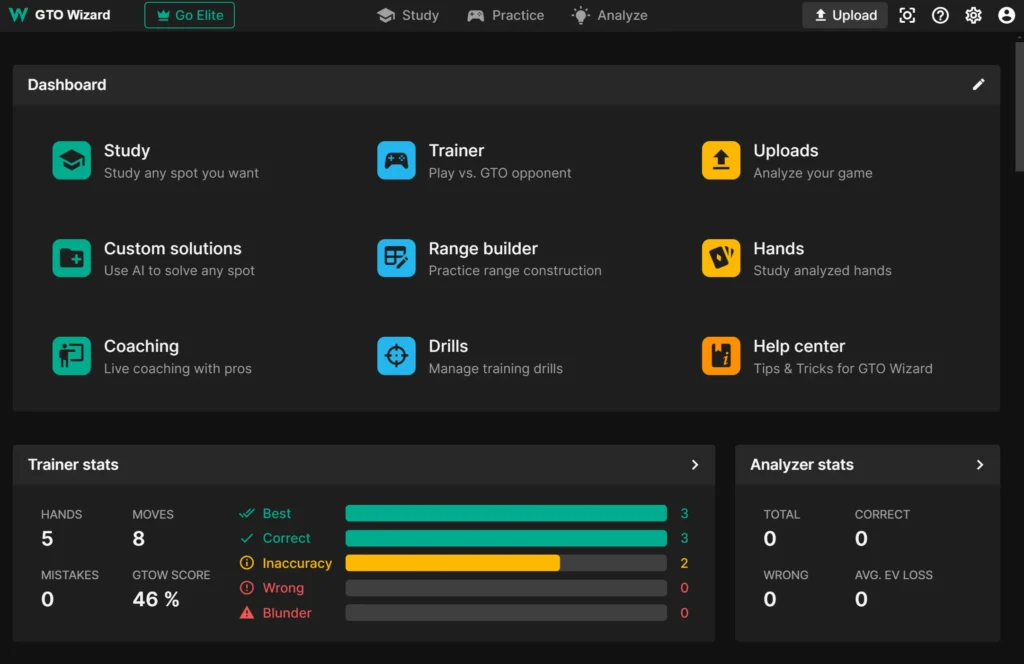
Let’s start with one of the main functions – the library of pre-calculated solutions. To go there, select “Study” on the Dashboard.
Library of presolved solutions
On this page, you can configure the game parameters (1), and then easily navigate through the ranges (2).
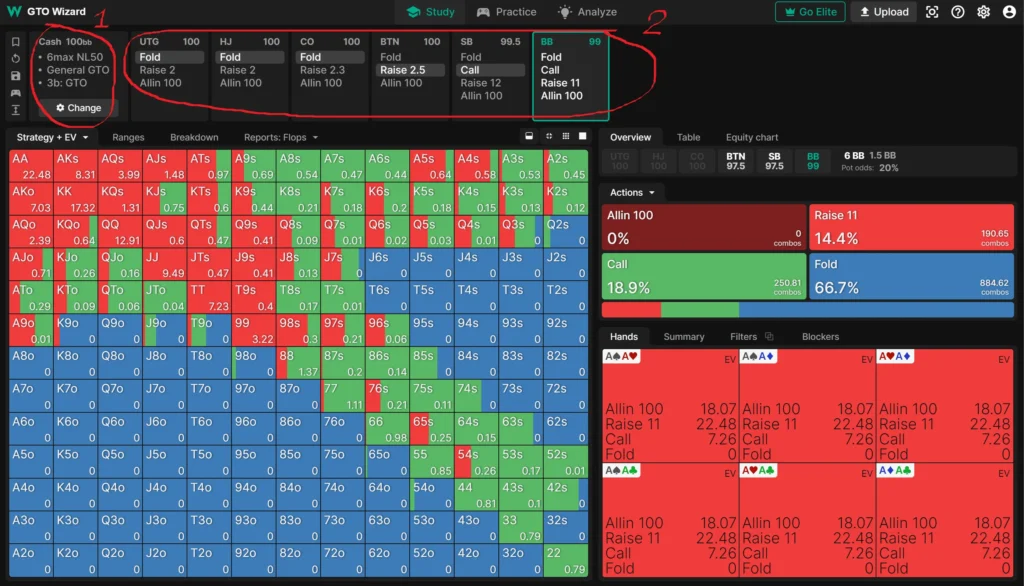
In the simulation, it is assumed that all players adhere to the GTO strategy. You can set any sequence of actions, and then see exactly how a certain player should react in this particular game situation. Select any hand in a range matrix, and you’ll see the equity (EV) of each action.
You can customize the game format very flexibly. A lot of parameters are at your disposal – classic, ante, straddle games; HU, short-handed and full-ring tables; stack and bet sizes; rake structure, and more.
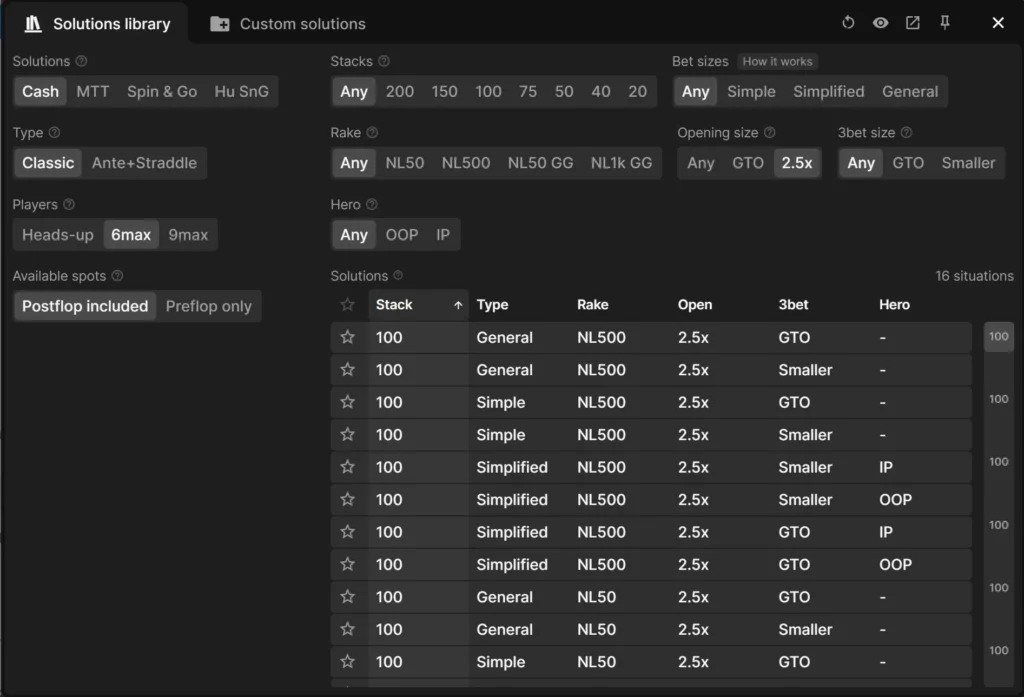
So in the “Study” section you can view and study GTO charts. We will now move on to the “Practice” section, in which you can challenge yourself on how accurately you can follow the GTO ranges in the game.
GTO Trainer
In “Practice” section you can train GTO ranges, and also review the detailed statistics of your trainings.
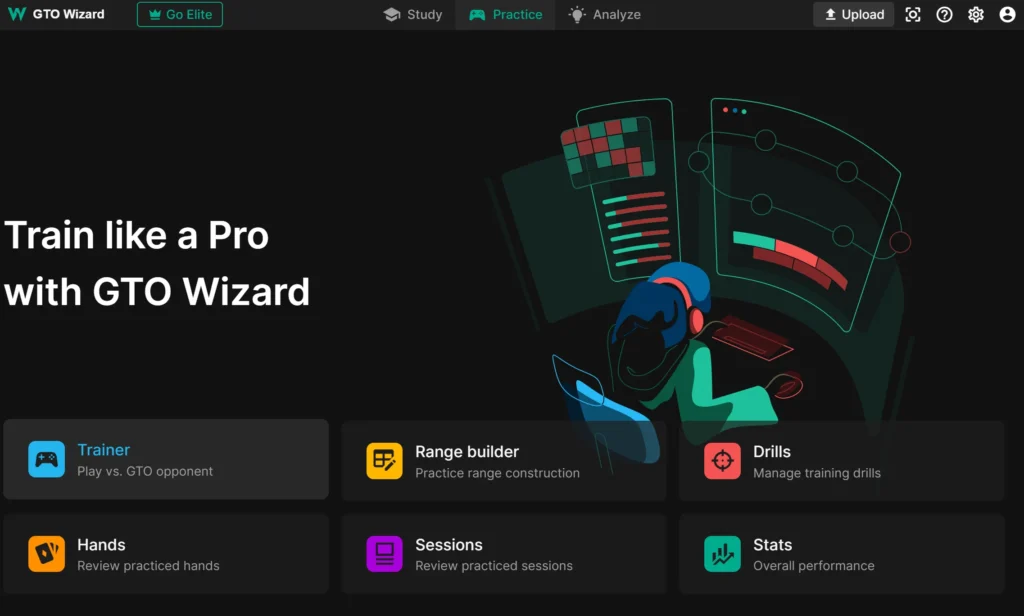
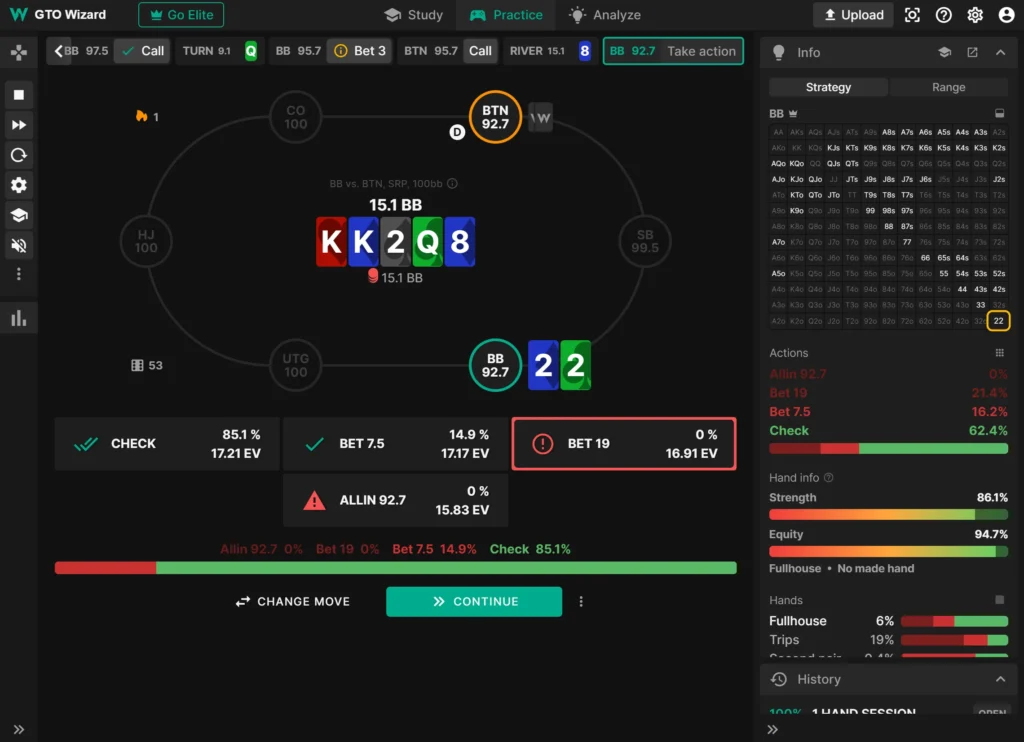
The most popular feature here is “Trainer” which simulates a real game against GTO opponents. Every action you take in “game” will be ranked: Best move, Correct move, Inaccuracy, Wrong move or Blunder. As in Study section, Trainer is highly customizable – you can set up spots you want to train, difficulty, number of tables, and so on.
Next we go to the “Analyze” section where you can run the analysis of the real hands you played.
Analyzer of hand histories
You can upload a single file or a folder with bunch of hand histories. GTO Wizard will analyze all the decisions you made in these hands. After upload and calculations are complete (they’re super fast and only depend on your internet speed), you’ll see a list of your hands evaluated from GTO perspective.

You can now work with this data to find the leaks in your game.
Customization
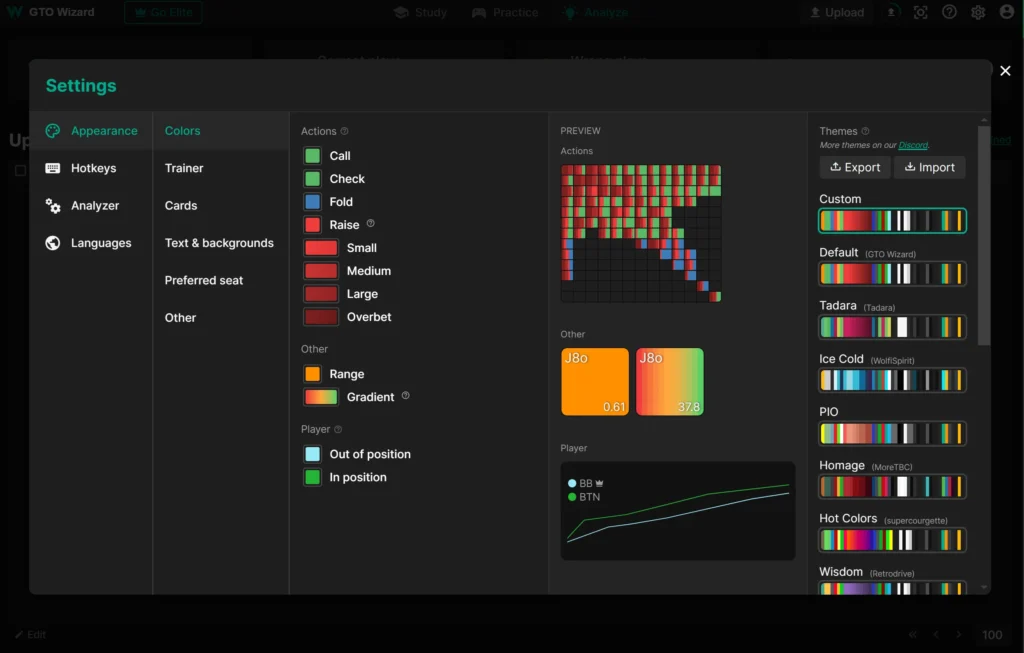
You can fully customize the appearance and hotkeys in the app. It’ll make your learning process as convenient as possible.
Pricing
GTO Wizard has a free version, which is very limited in functionality:
- You can study only 1 postflop spot per day.
- You can practice only 10 hands per day in Trainer.
- You can analyze only 5 hands per month.
Premium tiers open you the full capacity of the app. The price depends on the game type, starting from $39 per month. A more detailed description and cost of all tiers is available in our GTO Wizard Pricing article.
Conclusion
GTO Wizard is one of the best poker tools to explore game theory. We took a brief tour of the software and reviewed the main sections of the application. This knowledge is already enough to start including this tool into your poker training plan. However, keep in mind that GTO Wizard is a very deep tool with a huge number of learning features that you will discover for yourself as you use it.
Major 2026 GTO Wizard Updates
GTO Wizard has evolved from a simple solution library into a high-speed AI engine. Here are the most important updates that actually impact your study process:
1. GTO Wizard AI: Real-Time Multiway Solving The days of relying on pre-solved “static” charts are over. GTO Wizard AI now calculates Multiway preflop (up to 9 players) and Postflop (3-way pots) scenarios in seconds, directly in your browser. You can set any custom stack depth, ante structure, or bet size, and the software calculates the solution on the fly.
2. Node Locking 2.0 & Exploitative Profiles Pure GTO is the baseline, but the money is in the exploits. GTO Wizard now allows you to “lock” specific opponent mistakes—like over-folding to bluffs or under-defending the Big Blind. The AI will instantly show you the best counter-strategy to maximize your EV.
3. Game Integrity & Fair Play Check As the poker industry fights RTA (Real-Time Assistance), GTO Wizard has become an official integrity partner for major networks like GGPoker.
Bonus: The 2026 update includes a Native Mobile App with an overhauled Trainer that runs significantly faster than previous web versions, and the Ultra Tier, which offers unlimited multiway AI solves for high-stakes professionals.
Frequently Asked Questions (FAQ)
What’s the difference between GTO Wizard and average poker solver?
- GTO Wizard works in your web browser, so you don’t have to install anything to your PC.
- It has a library of pre-solved solutions for almost any spot. So you don’t have to spend time running simulations yourself.
- It provides you with detailed reports and many other tools that average solvers don’t have.
If you want to explore all GTO Wizard features in more detail, we recommend checking out the official GTO Wizard guide.

Get GTO Wizard with exclusive discount and access to the most comprehensive GTO solver and training platform.
Get GTO Wizard Discount