License key
The instructions below are for the outdated Hand2Note 3. In Hand2Note 4, the license is tied to your user account, not to a serial key like in older versions. To activate a subscription, just sign in to your Hand2Note account — you don’t need to enter a separate serial key.
Hand2Note license key is issued for life when purchasing any subscription. All your subscriptions and licenses for commercial HUD-packs will be attached to this key.
You can always find your key in your profile on the official website.
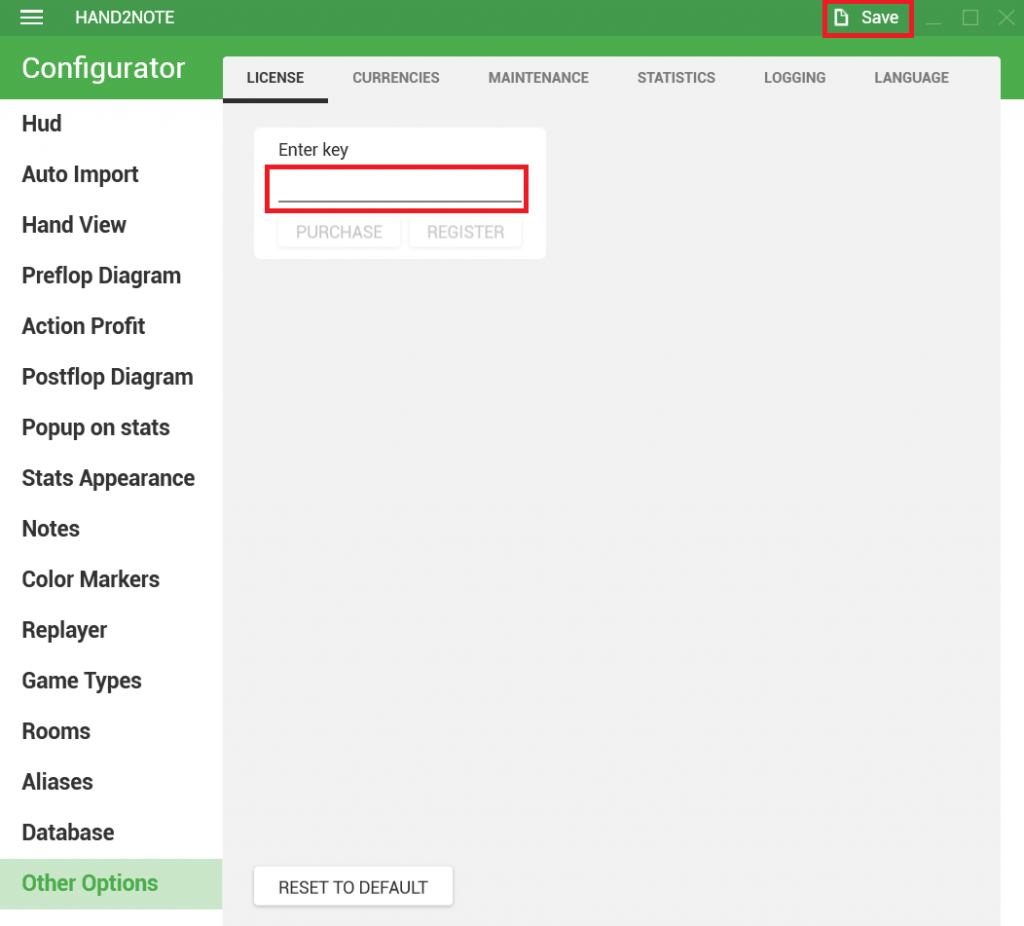
The key must be entered in the software under Configuration → Other options → License:
You can use your key on any number of computers but not simultaneously. If you run Hand2Note with the same key on two PCs at the same time, the program will shut down on all devices.